

Community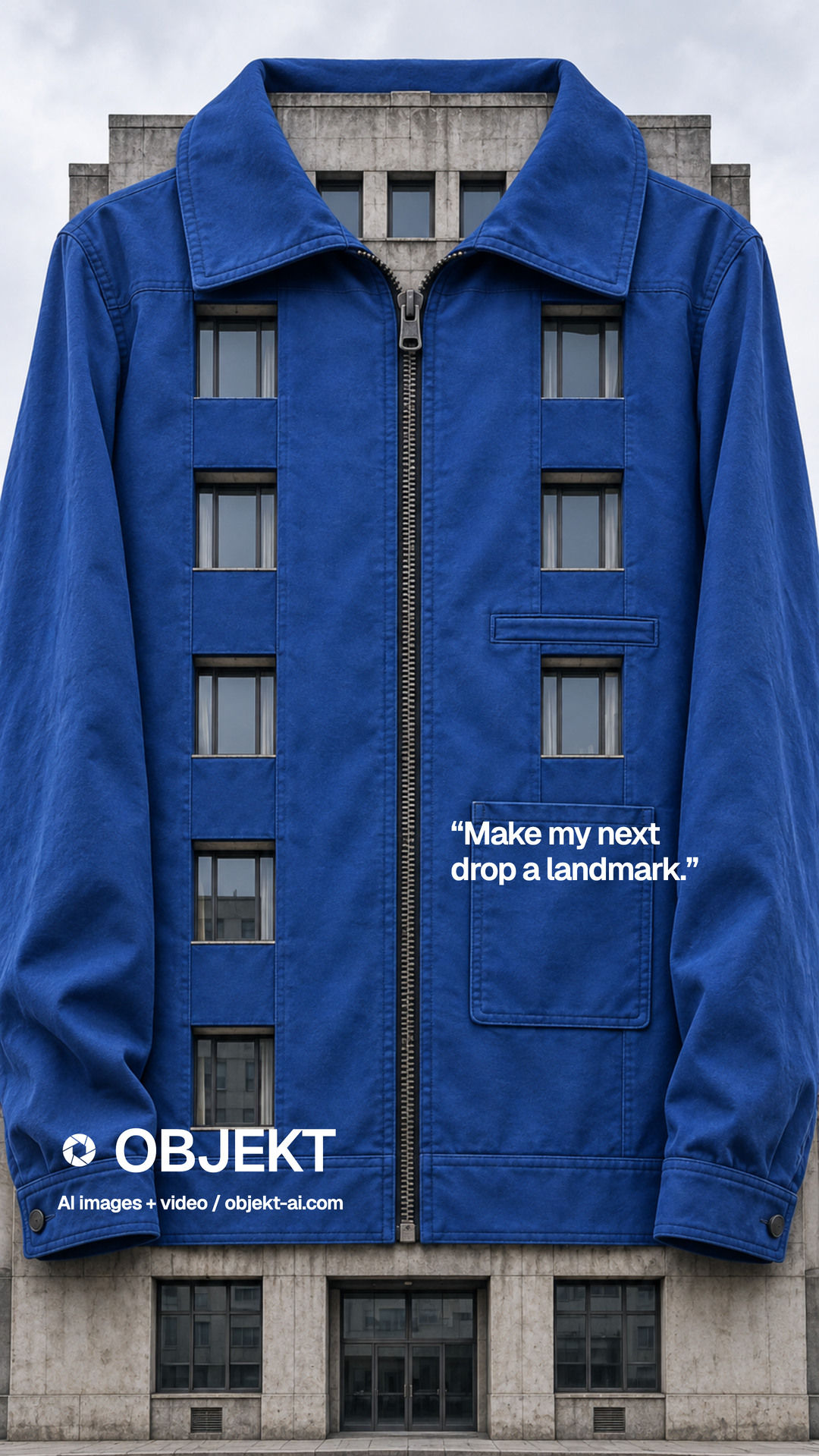 1 · Photo inOne photo of your product
 3 · The filmA film, made on OBJEKT
Your photo
How it was made
1 · Photo inOne photo of your productThe recipe
2 · The briefSTEP 1: OPENAI IMAGES, EMPTY BUILDING
Generate an ultra-realistic commercial street scene featuring a tall narrow blank building wall specifically designed for a large vertical advertisement installation.
Requirements:
* Modern downtown city with premium architecture (New York / Tokyo style).
* Camera angle: street-level looking slightly upward (24–35mm lens).
* One building must have a completely blank, clean concrete wall covering around 5–6 floors.
* No billboard.
* No banner.
* No advertisements.
* No logos.
* Leave the wall perfectly empty for later compositing.
* Cinematic lighting.
* Slight cloudy sky.
* Premium commercial atmosphere.
* Photorealistic.
* High dynamic range.
* Ultra sharp.
* Natural shadows.
* Realistic reflections.
* 8K quality.
* Vertical composition (9:16).
* Plenty of surrounding buildings for realism.
* Keep the blank wall centered in the frame.
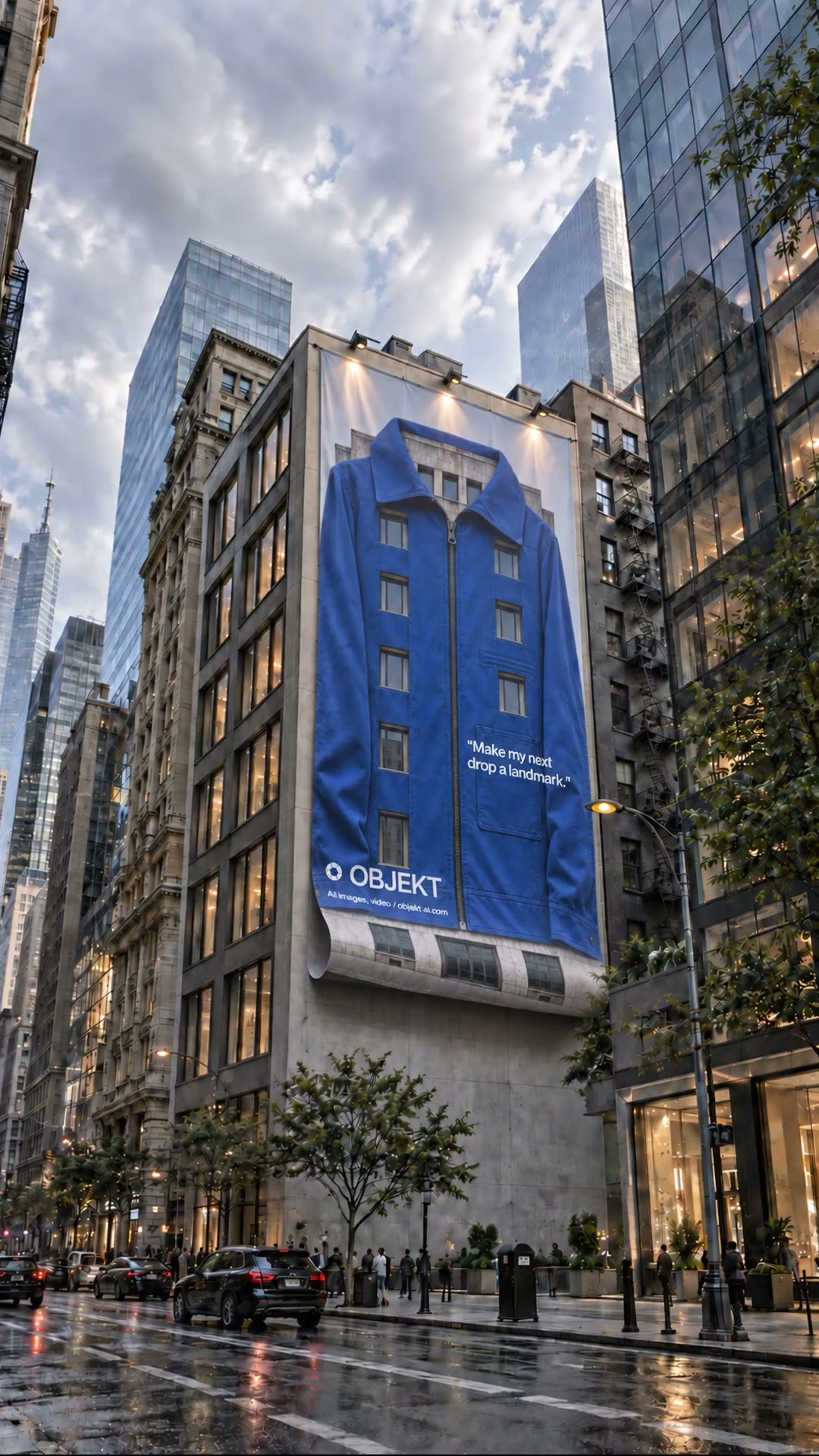
STEP 2: OPENAI IMAGES, PRINTED BANNER
Upload the building from Step 1 as image 1 and your finished advertisement as image 2.
Using the first image as the background and the second image as the advertisement artwork, create a realistic hanging wall banner.
Instructions:
* Replace the blank wall with the uploaded advertisement.
* Do NOT crop or redesign the artwork.
* Keep every logo, color, text and product exactly unchanged.
* Scale it naturally to fit the building.
* The banner should appear as a premium flexible vinyl sheet attached from the top.
* The lower part must naturally curl outward and hang due to gravity.
* Add realistic folds and fabric thickness.
* Add accurate shadows where the banner touches the building.
* Add subtle wrinkles.
* Match perspective perfectly with the building.
* Match lighting with the environment.
* Maintain photorealism.
* Make it look like an expensive real-world installation.
* Keep all surrounding buildings untouched.
* Vertical 9:16.
* Extremely realistic.
* Impossible to distinguish from a real photograph.
STEP 3: SEEDANCE 2.5, ANIMATION
Upload the finished printed-banner image from Step 2. Settings: 8 seconds, 1080p, 9:16. Use the finished image as the first frame.
Animate this still image into a realistic cinematic advertisement installation.
The camera remains mostly static with a slow cinematic push-in.
The large hanging banner behaves like a real flexible vinyl sheet suspended from the top of the building.
A gentle breeze causes the bottom of the banner to slowly roll outward, then relax back, creating smooth wave-like motion across the fabric. The movement should feel natural, heavy, and gravity-driven—not exaggerated or cartoony.
Add subtle secondary motion with realistic fabric ripples, soft edge flutter, and slight tension near the attachment points.
Preserve the building, street, vehicles, lighting, advertisement artwork, colors, and composition exactly as shown. Do not alter or morph the product image.
Keep pedestrians and traffic with only minimal ambient movement. Maintain realistic shadows and reflections.
Style: ultra-photorealistic, premium commercial VFX, cinematic, 24 fps, natural physics, 4K quality, smooth motion, seamless looping, vertical 9:16.3 · The filmA film, made on OBJEKTNotes 0
No notes yet. Say something to OBJEKT.